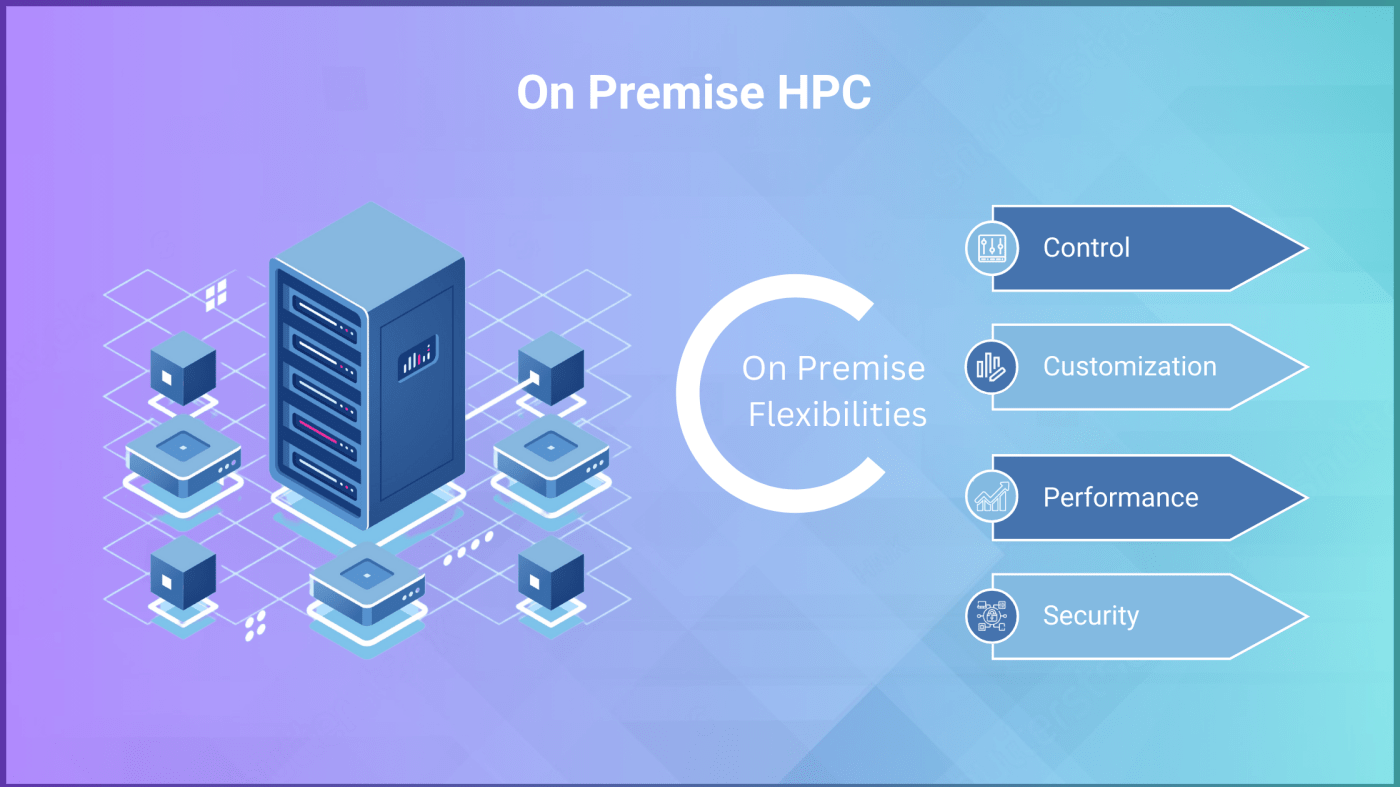
Setting up a High-Performance Computing (HPC) environment on-premise involves several key considerations. Two popular types are parallel and tightly coupled workloads. This blog post discusses the tightly coupled HPC cluster case-study. Please note this blog post discusses the overview of process. For technical details, there is a documentation for administrators at https://syncious.com/documentation.html
To keep a step ahead of the competition, organizations need lightning-fast, highly reliable IT infrastructure to support their HPC needs. Below is a detailed case study outlining the process for planning and deployment of an HPC infrastructure in an automotive engineering design firm.
Case Study: On-Premise HPC Setup for Automotive Industry
1. Background and Objectives
Business Unit: CAE Team from Automotive Engineering Design Firm
Objective: To establish an on-premise HPC cluster to support commercial and open-source simulation tools, machine learning training algorithms and GPU based remote visualisation.
Budget: $400,000 to $500,000
Timeline for Commissioning: 4 months (Including Hardware Delivery)
2. Requirements
- Compute Nodes: Selection of compute nodes (machines) decided based on the simulation applications. As a rule of thumb, Computation Fluid Dynamics (CFD) needs more CPU cores. But, Finite Element Analysis (FEA) needs more memory and high performance storage. There was also a node requested with GPU for some special solvers. Same node was also used for Pre/Post-processing with SyncHPC’s remote visualisation feature.
- Storage : Two types of storages were planned: 1.Data Capacity to store large amount data post simulation (SyncStore) and 2. High performance storage (IOPS) for running simulation (WorkStore)
- Networking: High-bandwidth, low-latency network to connect nodes and manage data flow efficiently was required. Hence, a network on InfiniBand was used.
- Software: User’s Simulation applications (CAE) were installed. Also, SyncHPC stack was deployed for Cluster Management and Job workload management .
- Scalability: Ability to expand the system as research needs grow.
3. Design and Planning
- Architecture: A standard HPC architecture with 2 Master Nodes (HA), a Storage Node and few compute nodes was designed.
- Hardware Selection:
- Compute Nodes: There were 3 types of Compute Nodes based on CFD/FEA/GPU requirements respectively. There were equipped with multi-core CPUs (e.g., AMD EPYC or Intel Xeon), ample RAM (based on per-core requirement) and NVME based disk storage, and GPU accelerators (from NVIDIA ).
- Storage: As nodes were less the Parallel File System was not suggested. Also, the local NVME disks of compute nodes were used for simulations. SyncHPC was configured to user Local NVME disks on nodes as workstore. There was common storage as well for multi-node simulations.
- Networking: 100 Gbps InfiniBand for low-latency, high-throughput interconnect was configured.
- Cooling and Power: Advanced cooling systems and redundant power supplies (PDUs) with appropriate ratings (kVA) were selected to ensure reliability and efficiency.
4. Implementation
- Site Preparation: Upgraded the data center with necessary power, cooling infrastructure, and physical space.
- Hardware Installation: Assembled and installed compute nodes, storage, and networking equipment. It also includes Hardware rack setup, servers stacking, network configuration, firmware upgrades and POST (power-on-self-tests) were conducted.
- Software Setup:
- Operating System: Red Hat Head-node OS was installed on both master nodes. Then, SyncHPC was deployed in HA mode on both master nodes.
- Provisioning of Compute Nodes: SyncHPC was configured to provision nodes with OS, Scheduler, MPIs and other tools. It supports both xCAT and Warewulf to provision on-premise clusters.
- CPU only nodes: These nodes were configured as standard Slurm compute nodes with Red Hat Compute Node images.
- GPU Node: For this node, SyncHPC deployed KVM hypervisor and NVDIA vGPU drivers to create a GPU based VDI setup for pre/post processing. It was also used for GPU based simulations. Eventually 8 Virtual Machines with GPU acceleration were created.
5. Testing and Optimisation
- Initial Testing: Conducted hardware and software tests to ensure all components were functioning correctly.
- Performance Tuning: Optimized network settings, storage configurations, and job scheduling policies for improved performance. The MPI and InfiniBand benchmarks were also run.
- Validation: Verified the system’s capabilities with benchmark tests. Also, the selected user applications were run for performance and scalability testing.
6. Deployment and Training
- User Access: Set up access controls and user accounts for researchers.
- Training: Provided training sessions for researchers on using the HPC resources, job submission, and troubleshooting.
7. Ongoing Maintenance and Support
- Monitoring: Implemented monitoring tools to track system performance and resource utilization.
- Support: Established a support team for troubleshooting and maintenance.
- Updates: Regularly updated software and hardware as needed to maintain performance and security.
8. Results and Impact
- Simulation Output: Enabled engineers to complete simulations 2x to 4x faster (based on applications) compared to previous setups, significantly accelerating project timelines.
- Collaboration: Facilitated collaborations with other departments by providing a robust and reliable computational resource.
- Scalability: The system’s modular design allowed for future expansion, accommodating growing research needs.
9. Expected Benefits
- Enhanced Performance: Significant improvement in simulation speeds and computational efficiency.
- Access Control: With SyncHPC, admin could apply access control policies for Jobs, amount of hardware resources (CPU, RAM, GPU, Storage) and even software licenses.
- Cost Control: Reduced ongoing costs compared to cloud-based solutions, with predictable budgetary impacts. Still, cloud is used by the team for burst scenarios.
- Data Security and Limited Data Movement: Due to centralised system, the control over data security and compliance with regulations can be managed. Also, all 3 workloads (Pre-processing , Simulation and post-processing) were conduction at same centralised location. Hence, data movement was significantly reduced.
- Operational Efficiency: Due to significant reporting and all-in-one solution streamlined the CAE processes. It also reduced downtime and better resource management.
10. Lessons Learned
- Planning is a key: With classification of applications based on compute and storage needs a HPC system can be design to cater the various needs of organisation
- Performance and Reliably cannot be overlooked: As this is HPC system performance is of prime importance. But, similarly if system goes down then it is of no use. Hence, HA based master nodes were used. Also, there was only single GPU node. If it goes down then users cannot do the pre/post processing. For this, organisation had given 4 standard workstations (not high-end) between users.
- Centralised Monitoring and Future Forecast: Management can generate reports to find operational efficiency, usage and forecast future needs.
- User Training: Effective training and support are key to maximizing the utility of HPC resources.
This case study illustrates the critical aspects of setting up an on-premise HPC system, including planning, implementation, and maintenance. Each HPC setup will vary based on specific requirements, but the general principles of careful planning, robust infrastructure, and ongoing support apply universally.
 blog.syncious.com
Leave a comment