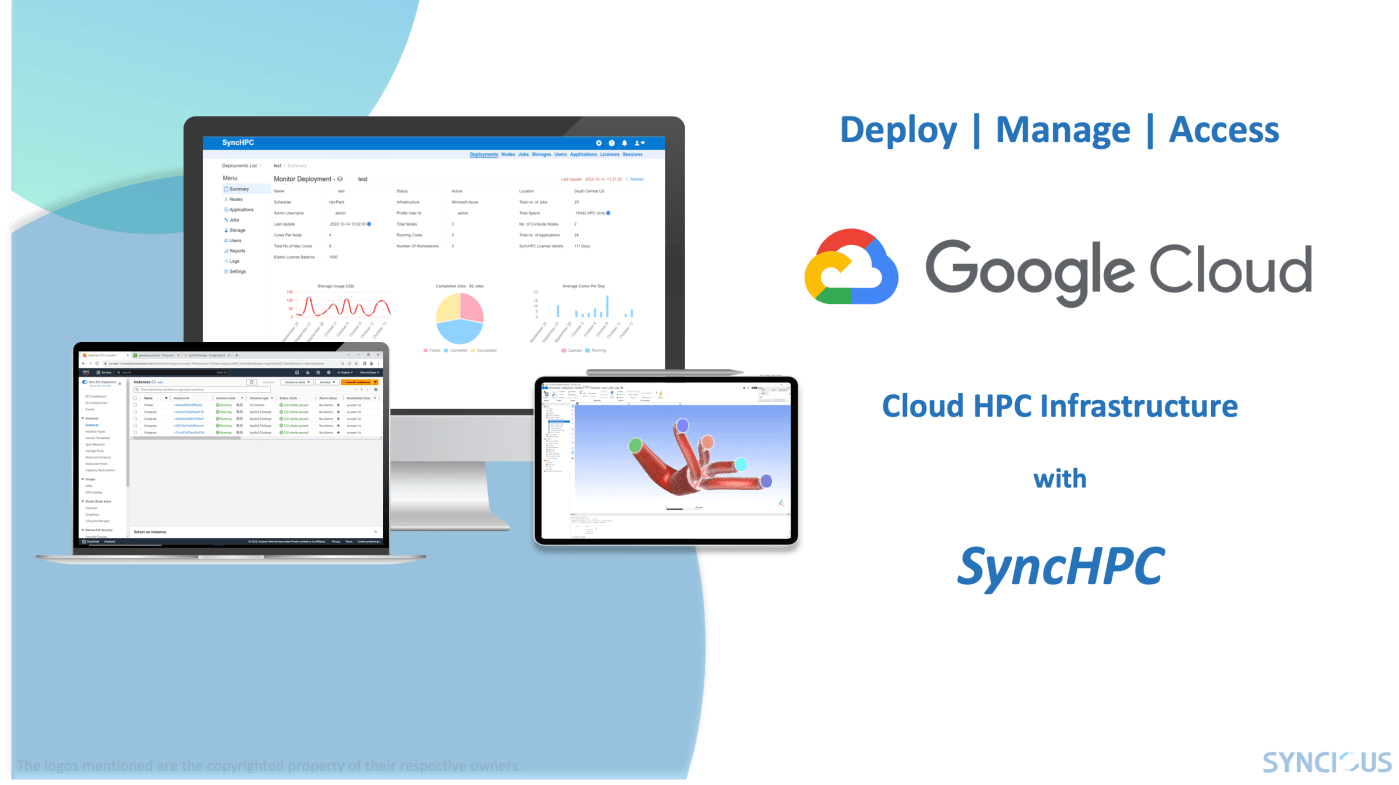
This blog explains two important functions of SyncHPC on Google Cloud Platform (GCP):
1. Deploying and managing HPC cluster, 2. Accessing HPC Cluster for data and jobs.
1. Deploy and Manage HPC Cluster on GCP
Effortless Google Cloud HPC Deployment:
- Log in: Access SyncHPC with your admin credentials.
- Navigate: Find the “Deployment” tab in the main panel.
- Create new: Click “+ New Deployment”.
- Choose GCP: Select “Google Cloud Platform” from the deployment type dropdown.
Streamlined Setup: After selecting Google Cloud, a dedicated HPC deployment form guides you through essential details. Choose a name, and specify hardware needs, software configurations, and network settings – all tailored for your HPC workloads.
Click & Deploy: Once satisfied, hit “Submit” to start the magic. Sit back and relax as SyncHPC takes care of the rest.
Fast Track to Results: Typically, within 10-15 minutes, your HPC cluster is ready to roll. No need to wait; users can dive right in and submit their jobs.
Scale on Demand: Say goodbye to resource wastage. SyncHPC’s auto-scaling feature on Google Cloud dynamically adjusts your cluster, creating only the compute nodes needed for each job. This ensures optimal performance while keeping costs under control.
2. Access HPC Cluster on GCP for Data and Jobs
SyncHPC goes beyond simplifying cluster deployment, offering seamless data storage and Jobs management too. Its 2-tier approach keeps things efficient:
- Workstore: Your high-performance “scratchpad” for running jobs. It supports any file share which can be mounted as filesystem on cloud machines.
- SyncStore: Leverage object storage from major providers like Google Cloud. SyncHPC integrates seamlessly with Google Cloud “Buckets” for cost-effective, scalable data storage.
Similarly, there is a very simple streamlined approach for Job-submission. Hence, users can submit jobs on HPC cluster seamlessly.
Supercharge Your HPC on GCP: Unlock Power & Efficiency with SyncHPC
You can get all the benefits of SyncHPC on GCP which covers management of data, jobs, users, application licenses, etc.
Embrace the Future of HPC: SyncHPC unlocks a new era of control and ownership for your research and innovation. You can install SyncHPC on your own GCP account and start using HPC in few minutes.
You can also refer to blogs on other Cloud Service Providers (CSP) and On-Premises HPC Infrastructure using SyncHPC.
Also, you can refer to the blog post for Azure here, Oracle Cloud here and AWS here.
 blog.syncious.com
Leave a comment