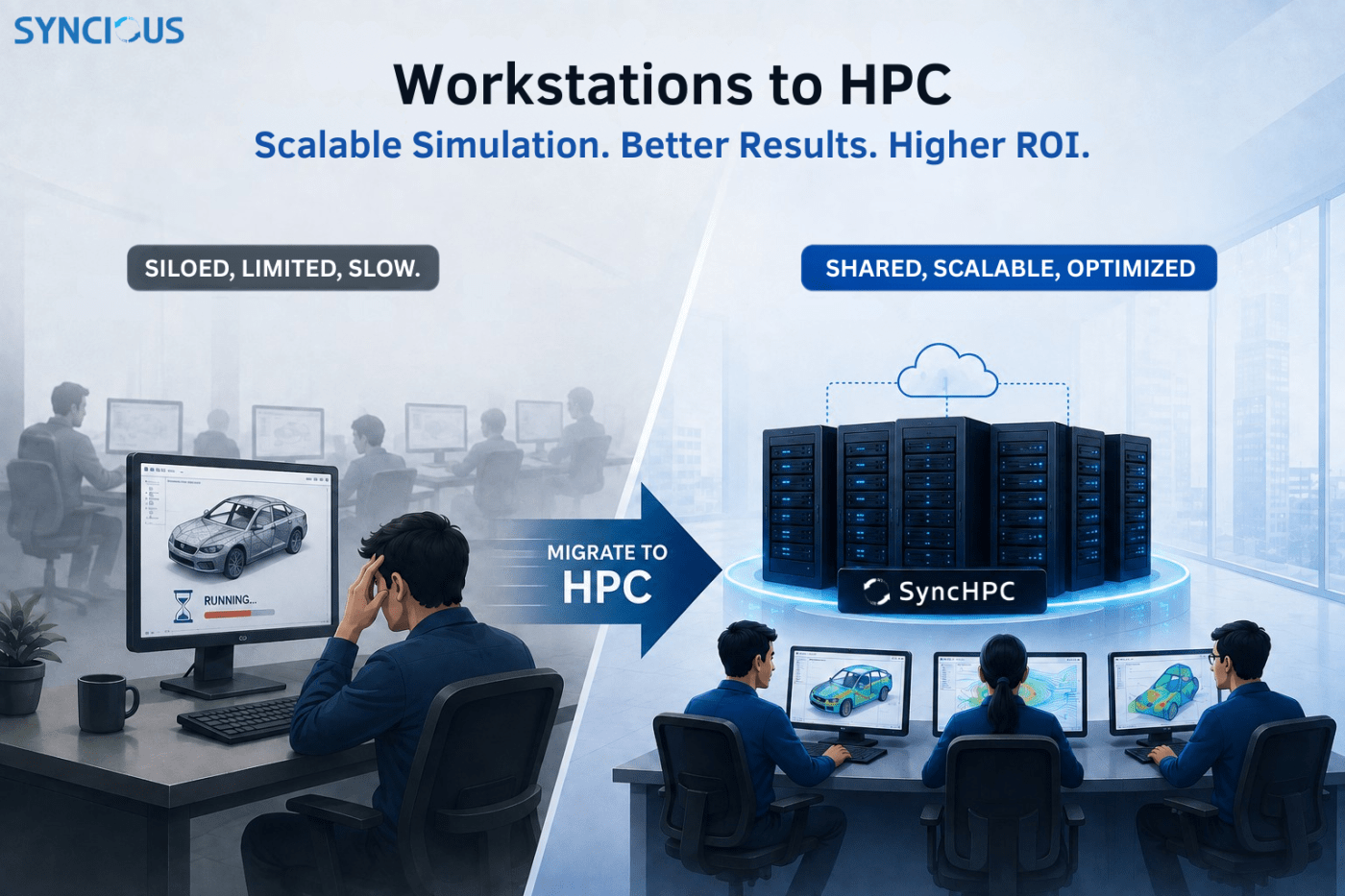
For most engineering organizations running CAE simulation structural, NVH, CFD, crash and impact analysis the growth path looks the same: hire another engineer, buy another high-end workstation. It works for a while. Then simulation queues stretch into the night, workstations sit idle between jobs, and every new hire means another capital asset that’s busy for a few hours a day and idle for the rest. Two recent engagements put real numbers behind what changes when that model shifts to centralized HPC.
The workstation challenges
Before looking at the alternative, it’s worth being precise about what actually breaks down as a CAE team scales on workstations alone. Six recurring problems map onto what most engineering IT teams eventually run into:
- High-Cost and Unavailability with custom specifications: The workstations with higher specifications are very costly and they are generally not available with leading OEMs. We have to go with standard specifications.
- Idle, siloed hardware. A workstation is only busy when its assigned engineer is running a job on it. For the rest of the day, that CPU and GPU capacity does nothing for anyone else.
- A hard capacity ceiling. Simulation capacity is capped by whichever single machine a job lands on — even if other workstations across the floor are sitting completely idle.
- Serial job queues. One job, one machine, one engineer, at a time. A second job waits for the first to finish, even when there’s spare compute two desks away.
- No elastic scaling. Growth means buying another full workstation, every time, rather than adding capacity to a shared pool.
- Siloed local storage. Models and results live on individual machines, complicating collaboration, backup, and version control.
- Rising maintenance overhead. Every workstation is a separate OS, driver stack, and software install to patch and support.
None of this is a hardware-quality problem these are high-end workstations in both case studies. It’s a structural limitation: single-machine architecture doesn’t share, queue, or scale.
What “scalable simulation” actually means
The term gets used loosely, so it’s worth being concrete about the mechanics a centralized HPC platform adds on top of raw hardware. In both case studies, SyncHPC a hybrid HPC/VDI workload management platform sits between the engineering team and the cluster and does the following:
- Elastic per-job allocation. A job scheduler (SLURM or PBS) allocates exactly the cores and memory a job needs from a shared pool a handful of cores for a quick check, an entire multi-hundred-core node for a large crash or CFD run instead of being fixed to whatever one workstation happens to have installed.
- Concurrent, queued execution across users. Multiple engineers submit jobs at once; the scheduler queues, prioritizes, and runs them in parallel across the cluster rather than forcing every job through a single desktop.
- Centralized, high-throughput storage. A parallel file system replaces machine-bound local disks, so models and results are available to the whole team without manual copying.
- Pooled, optimized licensing. Solver licenses Abaqus, LS-DYNA, ANSYS, OptiStruct, and others are shared across jobs rather than tied to individual seats, reducing idle licenses and contention near deadlines.
- Remote and VDI access. Engineers submit jobs and run GPU-backed pre/post-processing sessions from a browser or thin client, from any location, without moving large models around.
- Incremental growth. Capacity grows by adding compute nodes to an existing cluster, not by buying another complete standalone machine for every new engineer or workload.
That’s the real distinction between “a faster workstation” and “scalable simulation”: the latter turns fixed, siloed capacity into a shared, governed pool that grows in increments and serves however many jobs are queued at once not however many machines happen to be free.
Case Study
The Challenge
This manufacturing customer was running structural, NVH, and explicit/implicit dynamics solves across “24” high-end engineering workstations, each doubling as the engineer’s daily driver for pre- and post-processing too. Solver jobs some running 8 to 24 hours tied up a workstation, and the engineer, for the better part of a day or overnight, one job at a time. With no shared compute pool, a second job simply queued behind whichever machine was busy, even while the rest of the floor sat idle.
The Requirements
Any solution had to consolidate solver workloads without disrupting the pre/post-processing and visualization work that still needed local, high-end hardware. It had to support multiple solvers side by side structural, NVH, and explicit/implicit dynamics, spanning Abaqus, LS-DYNA and OptiStruct. It needed to fit a 3-year return horizon matching the platform and hardware support term. And because the current job mix runs on a single machine rather than spanning multiple nodes, it needed to be right-sized for that reality rather than pre-paying for interconnect capability the workload wouldn’t use yet.
The Solution
A dedicated on-premise HPC cluster with 256 cores using SyncHPC. Only 4 of the 24 workstations were retained, for high-end pre/post-processing and visualization that still benefits from a physical seat; high-end laptops with large monitors turned out to be sufficient for everyday pre/post work everywhere else. The remaining 20 workstations’ entire job solving moved to the cluster.
The Results
Performance, benchmarked job type by job type:
| Simulation job type | Workstation (16-core) | HPC cluster jobs (64–128 cores) | Speed-up |
|---|---|---|---|
| Mid-size structural static (~2M DOF) | ~8 hours | ~3.0 hours | ~2.5× |
| Large modal / NVH (~5M DOF) | ~18 hours | ~6 hours | ~3× |
| Crash / drop (explicit dynamics) | ~24 hours | ~6 hours | ~4× |
| Team throughput (independent jobs) | 1 job at a time | 3–4 jobs in parallel | 4–8× aggregate |
Indicative figures for representative implicit and explicit CAE solvers; actual runtimes depend on model size, mesh density, and solver settings, and should be validated against your own models.
These numbers are the mechanism behind the ROI, not just a speeds-and-feeds table. An overnight crash run that used to occupy a workstation and the engineer’s next morning for a full day now returns in a fraction of that time. Shorter individual runtimes, multiplied by parallel execution across the team, is where the 4–8× aggregate throughput figure comes from.
Return on Investment (ROI)
The ROI was calculated based on the expected investment on Workstations vs HPC cluster, reduced engineering resources and improved productivity for the duration of 3 years.
ROI % = (Total saving – HPC Investment) / HPC Investment % 100
Total Saving = Productivity Improvement + Workstation Refresh Avoidance + Saving on CAE Software Licenses
Where, “Productivity Improvement” = Per-hour Engineer Cost * No of Engineers * Saved-Hours per engineer for 3-years
There were 20 simultion engineers. Based on actual commercials at the time of ROI calculation, following were the observations:
- Conservative: ROI of 26% is achieved considering 1 hour daily saving for each of the 20 engineers.
- Aggressive: ROI can rise to 59% in the high-productivity scenario with 2 hour daily saving per engineer.
- Because the customer owns the hardware outright, any cluster use beyond the 3-year term is upside the business case doesn’t even count a deliberately conservative framing.
Building your own case
This case study is a template to copy line-for-line job mixes, solver licensing, and headcount differ everywhere but the method both used to get to a number is repeatable:
- Benchmark two or three representative job types on current hardware versus a realistic multi-core allocation. Use at least a mid-size and a large model, since speed-up ratios scale with model size and solver parallelism, not linearly with core count.
- Inventory the workstation estate against its refresh cycle how many machines are within one to three years of replacement, and how much of their workload is pure solving versus interactive pre/post work that still benefits from local hardware.
- Estimate recovered engineer-hours conservatively, then optimistically. A range is more credible than a single confident number, and it shows the ROI holds up even in the pessimistic case.
- Model the horizon to match the support or licensing term you’re actually committing to. A 3-year view, as both cases used, keeps benefits and costs on the same clock.
- Write down the intangibles even though they don’t get a row in the ROI table. Governance, license pooling, and AI-readiness were explicit line items in both business cases, and they’re often what tips a borderline financial case for leadership.
The takeaway
The financial case for migrating from workstations to HPC is compelling in both of these engagements, but the more durable argument is architectural: a shared, scheduled compute pool doesn’t just run today’s jobs faster it’s the only one of the two models that actually scales. Buying another workstation adds one more island. Adding a compute node adds capacity the whole team can draw on. As simulation workloads grow, and as AI-assisted design tools start competing for the same infrastructure, that difference compounds every year the platform stays in use.


Leave a Reply